Talk once.
Vibe more.
KeyVox Vibes gives you reversible writing styles for anything you say. Pick a Vibe before you stop dictating, or change/undo it afterwards. On-device. No subscription. Everyone loves a good vibe. Find yours.
Good Vibes Are Here. Find yours.
One key. Two platforms.
Three vibes.
Hold to dictate
Hold your KeyVox trigger key to dictate as usual.
Tap to apply/undo
Quick tap the trigger key to apply or undo the current Vibe on the latest untouched dictation.
Double-tap to cycle
Double-tap the trigger key to cycle through None, Casual, Polished, and Chill.
Pill feedback
A Vibe pill overlay shows the current Vibe, cycle, processing, and completed states.
Dictate as usual
Start dictation from the KeyVox keyboard the way you already do.
Tap to cycle
Tap the Vibes key to cycle through Vibes while dictating or after insertion.
Long press to apply
Long press the Vibes key to apply the selected Vibe to the latest untouched dictation.
Long press to undo
Long press the same Vibe again to revert to the previous Vibe state for that insertion.
KeyVox Vibes restyles your dictation in three different ways — Casual, Polished, or Chill — all on your iPhone, with no cloud involved. Pick a Vibe before you stop dictating, or change and undo it from the Vibes key on the KeyVox keyboard.
- Tap the Vibes key to cycle through Vibes (None → Casual → Polished → Chill).
- Long press the Vibes key to apply the selected Vibe to your last dictation.
- Long press again on the same Vibe to undo it and go back to the previous version.
You’ll feel a light haptic when it works, and a softer one if there’s nothing to apply it to.
It lives in the top row of the KeyVox keyboard. The key shows your current Vibe by name and turns yellow when a Vibe is able to be reverted.
If Vibes isn’t unlocked or active on your device, the key is set to None automatically.
Long Press to Vibe only changes your most recent dictation, and only if you haven’t touched it yet. If you’ve edited the text or moved on, the long press does nothing — KeyVox would rather skip the change than risk overwriting something you didn’t mean to.
No. Vibes runs entirely on your iPhone using a local AI model. Nothing is sent to any server, so your text stays private.
Yes. You get a free 24-hour trial that starts the moment you tap Try Now — not before.
After that, a one-time KeyVox Vibes Unlock keeps Vibes on for good. The unlock is available across all your devices on the same Apple Account.
The Vibes AI model is about 491 MB and downloads separately from the app. Open the Style tab, tap the KeyVox Vibes card, and follow the prompt to download it.
If Vibes AI isn’t installed, or your trial or full unlock isn’t active, your selected Vibe stays on None.
Vibes on iPhone needs iOS 18.6 or later, the Vibes AI model installed (about 491 MB), and an active trial or full unlock. Vibes is currently supported in English only.
No. Paragraphs and Lists are separate keys on the keyboard. They tidy up structure rather than restyle your words, and they don’t use the Vibes AI model or count against your trial.
Their respective toggle keys support long press to apply/undo functionality. This allows you to apply/revert lists and paragraphs if needed.
Email [email protected]. Include your device and iOS version if you can — it helps a lot.
KeyVox Vibes restyles your dictation in three different ways — Casual, Polished, or Chill — all on your Mac, with no cloud involved. Pick a Vibe before you stop dictating, or apply, change, and undo it right from your trigger key after the text lands.
Everything happens on your KeyVox trigger key:
- Hold to dictate as usual.
- Quick tap to apply the current Vibe to your last dictation — tap again to undo it.
- Double-tap to cycle through Vibes (None → Casual → Polished → Chill).
A small KeyVox pill overlay shows the current Vibe, what it’s doing, and when it’s done.
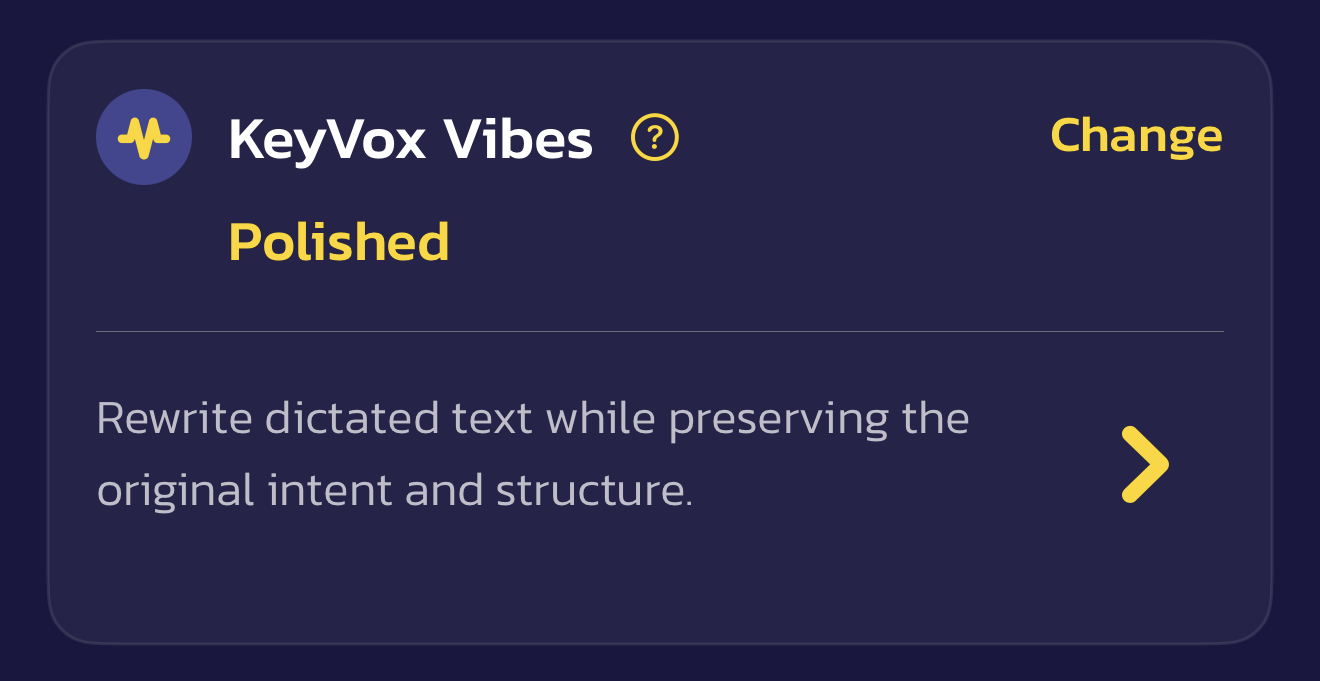
Open KeyVox Settings and find the KeyVox Vibes card on the Style tab. From there you can:
- Pick your Vibe.
- See what each Vibe does.
- Install Vibes AI.
- Or just Vibe out.
Tap to Vibe only changes your most recent dictation, and only if you haven’t touched it yet. If you’ve edited the text, clicked somewhere else, or moved on, the tap does nothing — KeyVox would rather skip the change than risk overwriting something you didn’t mean to.
No. Vibes runs entirely on your Mac using a local AI model. Nothing is sent to any server, so your text stays private.
Open the KeyVox Vibes card in Settings and tap Download. The Vibes AI model is about 491 MB and downloads separately from the app itself. The card shows progress as it downloads and installs.
Until Vibes AI is installed, your selected Vibe stays on None.
Vibes on Mac runs on macOS Ventura or later, with the Vibes AI model installed (about 491 MB). Vibes is currently supported in English only.
On Mac, Vibes is free — there’s no trial or unlock.
No. Paragraphs and Lists are separate formatting tools — they tidy up structure rather than restyle your words. They work in a similar way after dictation, but they don’t use the Vibes AI model.
Email [email protected]. Include your macOS version and Mac model if you can — it helps a lot.